What to prepare
Keep the shop name, contact details, receipt information, tax details, products, users, and counter devices ready before starting setup.
 Start trial
30-day trial
Don't just test a demo. Install the latest release, add your products, connect your printer, run your counter, then decide.
Keep the shop name, contact details, receipt information, tax details, products, users, and counter devices ready before starting setup.
A successful trial setup reaches the Saleculator PIN login screen, completes real billing with your products, prints or previews a receipt, and confirms backup from the maintenance screen.
Share the business contact, screenshot of the activation step, and a support report with the Saleculator support team. Keep passwords and serial keys private.
After evaluation, keep the same shop setup. A paid lifetime license should activate the same working installation without changing the shop database.
Product visuals
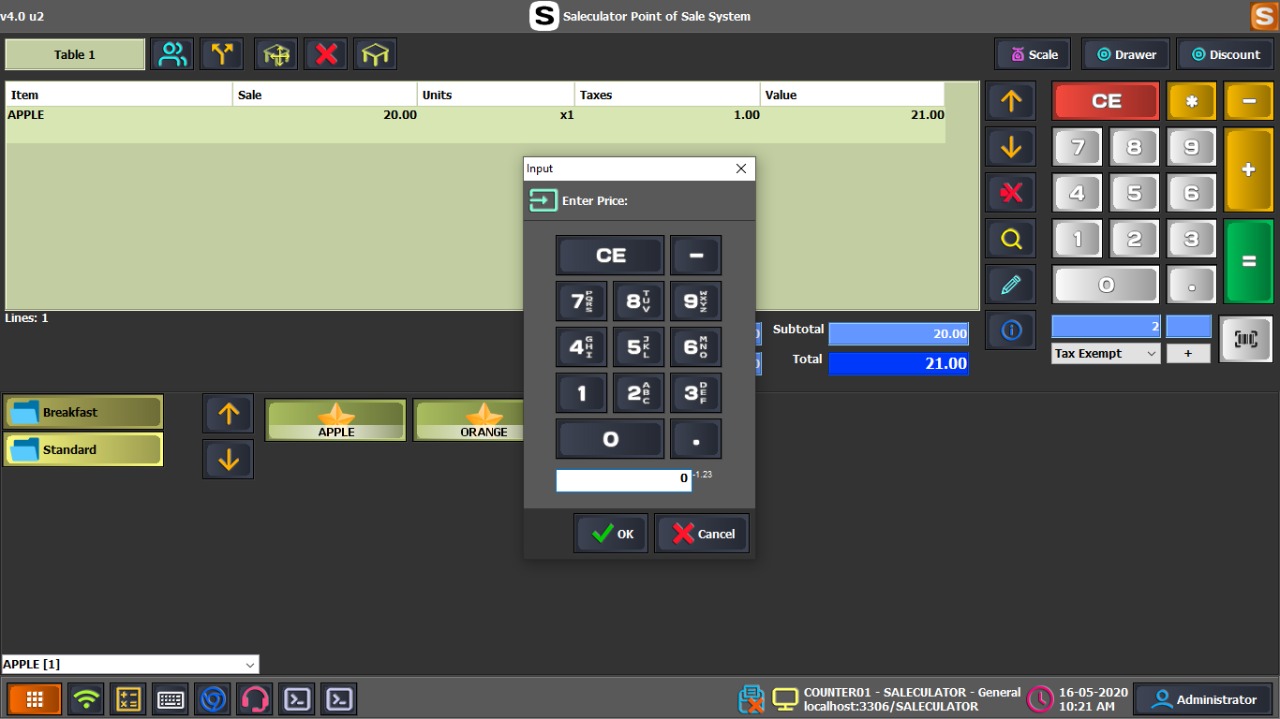 Screenshot
Show where the customer clicks START TRIAL and where the trial serial key is entered.
GraphicUse a short graphic showing install, business setup, trial activation, PIN login, test sale, and backup.
Guided setup support
Saleculator can be evaluated by a shop owner, installed by a reseller, or prepared by a hardware vendor. Start with the right business type, confirm the counter devices, complete the trial activation, and test one full billing flow before go-live.
Download the Windows installer, enter business and receipt details during setup, start the 30-day trial, then test billing, receipt printing, reports, and backup with sample products.
Prepare the customer profile, device list, receipt format, tax settings, users, and backup plan before handover. Confirm the customer can complete daily billing without depending on the installer.
Use the vendor package for controlled rollouts on POS devices, Linux, and Raspberry Pi class hardware. Validate display, printer, scanner, cash drawer, network, reboot, and recovery behavior before delivery.
Use a reliable central database machine and connect every counter to the same shop database so products, sales, and reports stay consistent across counters.