Appliance boot
Minimal Debian can show the Saleculator bootstrap loader and continue directly to the PIN login screen.
 Start trial
POS hardware partners
Hardware vendors and deployment partners can validate Saleculator on compact POS devices, locked-down counters, receipt printers, scanners, and shop-ready appliance images.
Minimal Debian can show the Saleculator bootstrap loader and continue directly to the PIN login screen.
Vendors can deploy the same runtime package used for Windows, Linux, and Raspberry Pi.
Printer, scanner, scale, HID, and serial workflows are included in the validation checklist.
Deployment checks help technicians confirm the POS device is ready before customer handover.
Product visuals
 Video
VideoUse a short video from power-on through the Saleculator bootstrap loader to the PIN login screen.
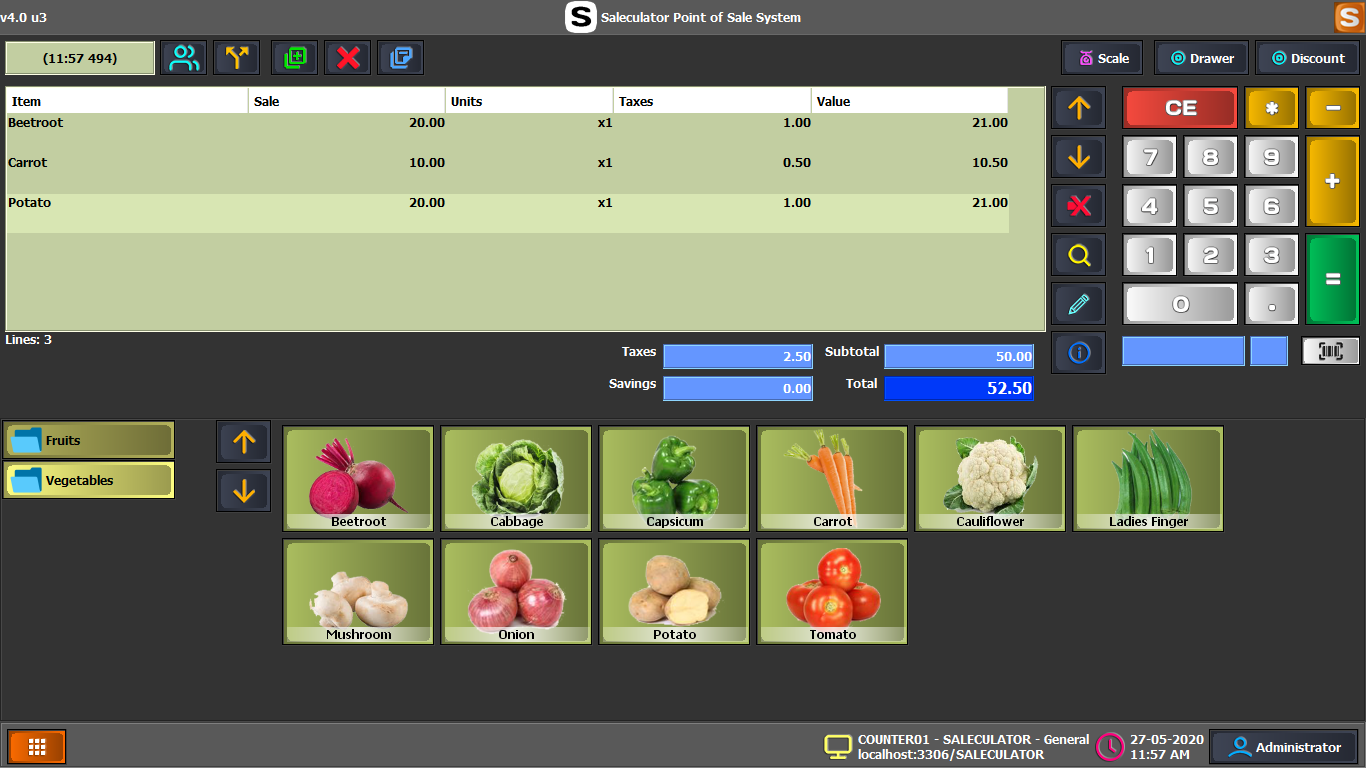 Photo or graphic
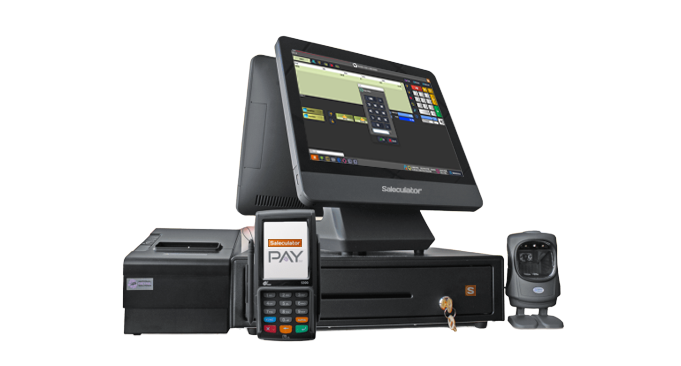
Use a real device photo or graphic showing Raspberry Pi/minimal Debian hardware with receipt printer and scanner.
Hardware partners can use the vendor package to prepare Linux and Raspberry Pi based counters for controlled customer rollouts.