Fast billing
Designed for counter speed with product lookup, barcode workflows, receipt printing, and screen printer testing.
 Start trial
Saleculator POS
Use Saleculator on one billing counter, then add more counters as the shop grows. Your team keeps the same products, prices, receipt details, and workflow.
Designed for counter speed with product lookup, barcode workflows, receipt printing, and screen printer testing.
Floor/table workflows, KOT routing, kitchen display support, and order changes.
Call/order handling, delivery tracking, driver assignment, and order history.
Maintenance backup supports configured backup table resources and local recovery workflows.
Enter your shop details, products, users, printers, and receipt footer. Extra counters can use the same shop setup when you expand.
Product visuals
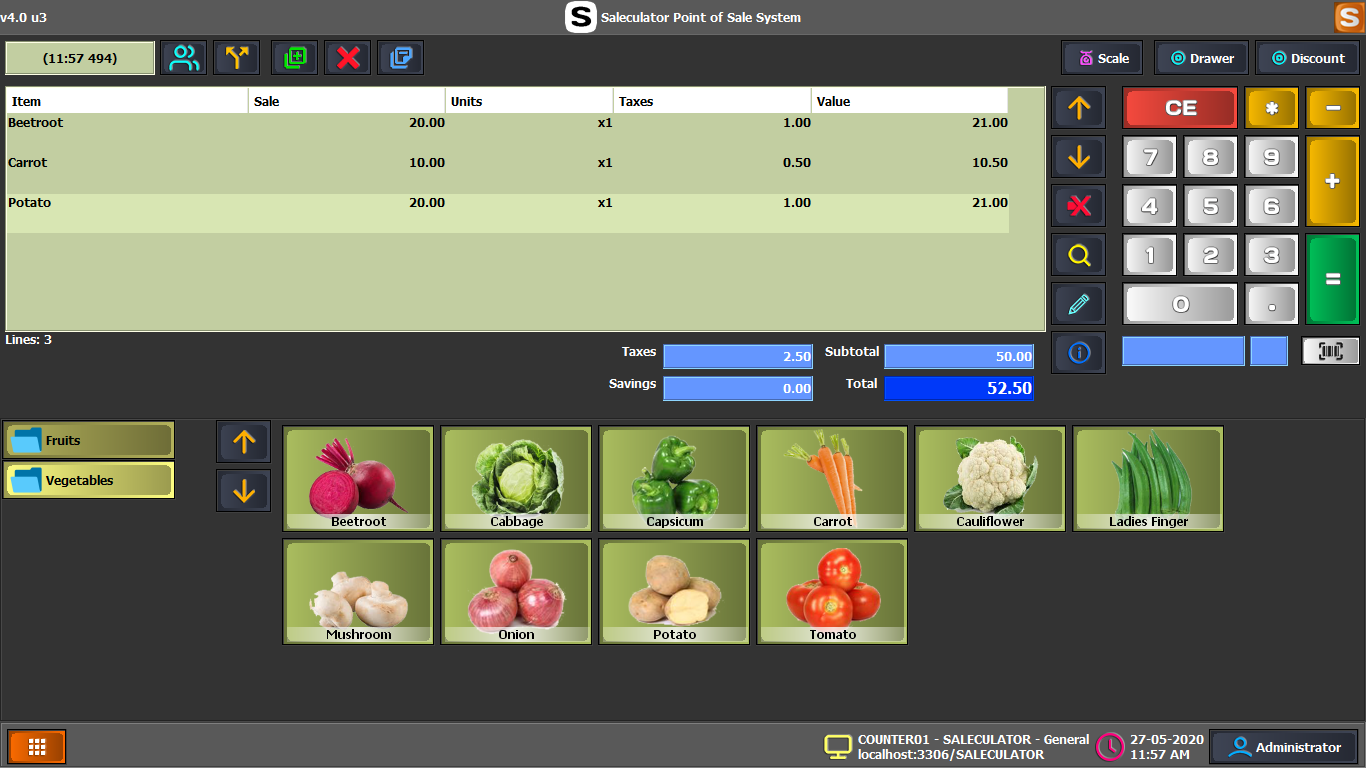 POS screen
Bill items, take payment, and print receipts from a counter-friendly screen.
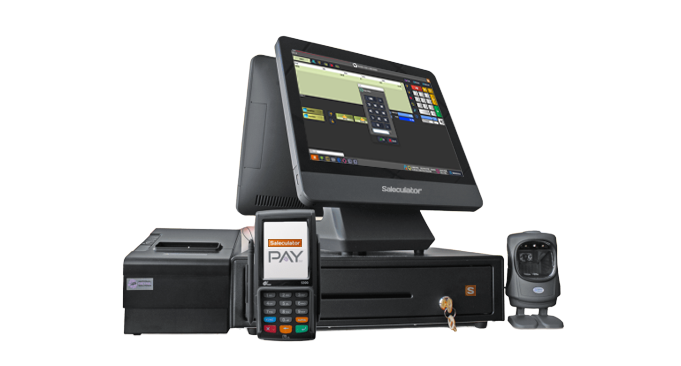 Shop setup
Use Saleculator across more than one billing counter when your shop needs it.